

Description
Extends WooCommerce to allow you to display Frequently Asked Questions (FAQ) about the product in a new tab on the single product page.
Plugin Features
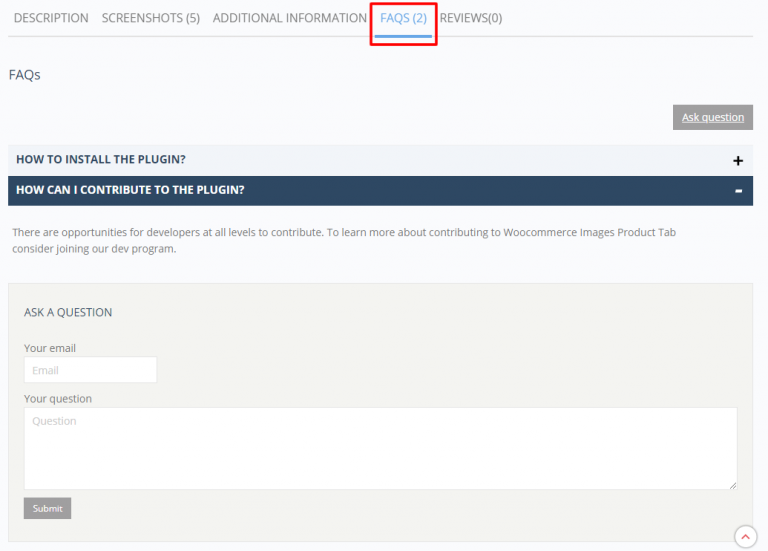
- ADD FAQ TAB – add a new tab to the product page to display the Frequently Asked Questions about the product and their Answers.
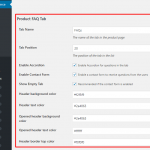
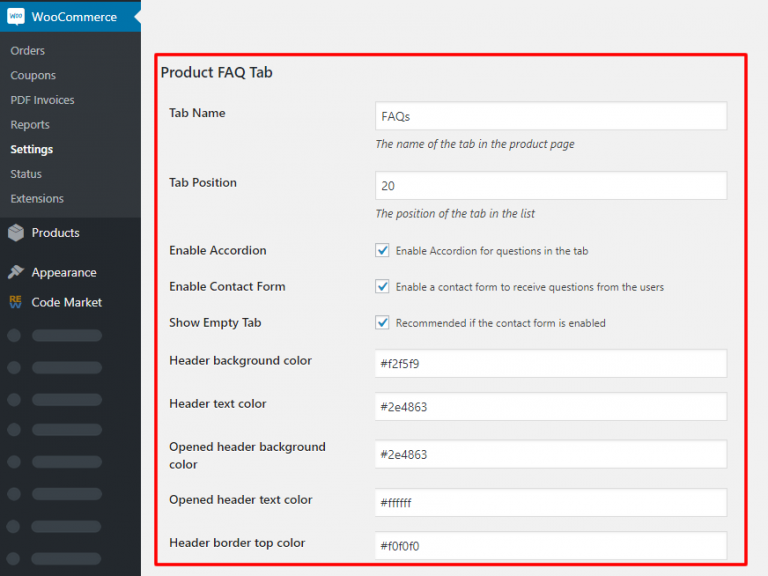
- TAB SETTINGS – Manage the tab settings from the Woocommerce settings and select the tab name, enable the accordion, or select the text and background color for example.
- RENAME THE TAB – Don’t keep the tab name “FAQs” and rename the tab to anything you want like “Q&A” or “Support”.
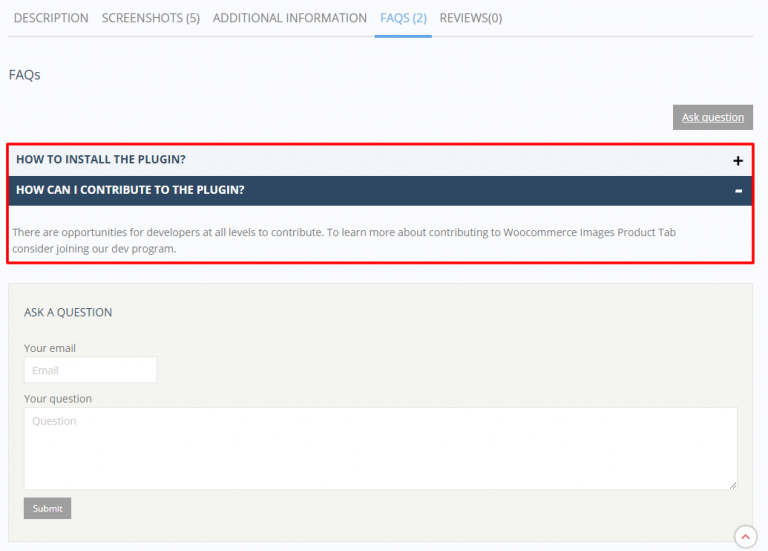
- FAQ ACCORDION – Show the questions and answers in a dynamic accordion. It works on all modern browsers.
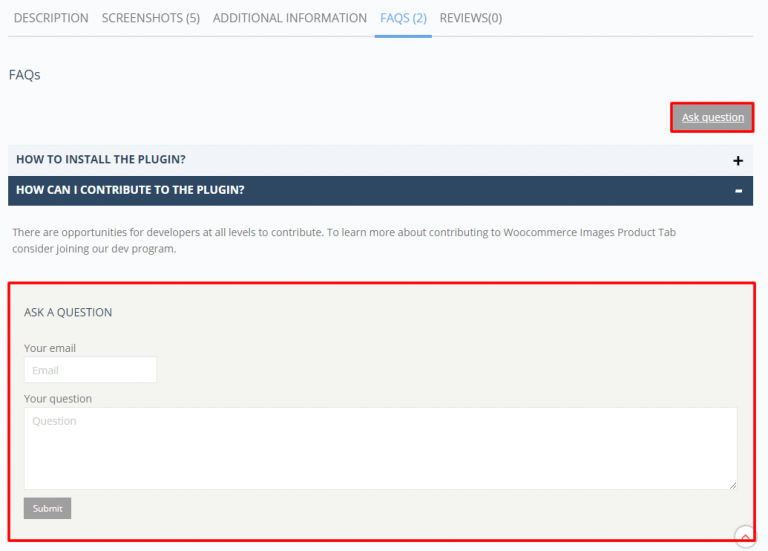
- QUESTION FORM – Enable the question form to collect new questions about the product from customers.
- TAB STYLING – Change the text and background colors of the blocks.
- TAB POSITION – Change the position of the Tab name in the frontend.
- SHOW EMPTY – Show empty Tab, recommended if the question form is enabled.
- JSON LD – FAQPage structured data to be eligible for display as a rich result in Google search
- RECIPIENT EMAIL – Change the recipient email address when forwarding the customer questions
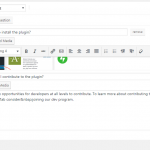
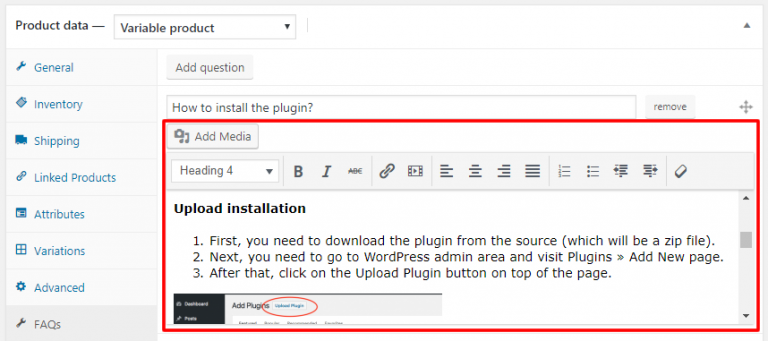
- HTML CONTENT – Replace the textarea editor by a WYSIWYG editor in the backend and add HTML content in you answers.
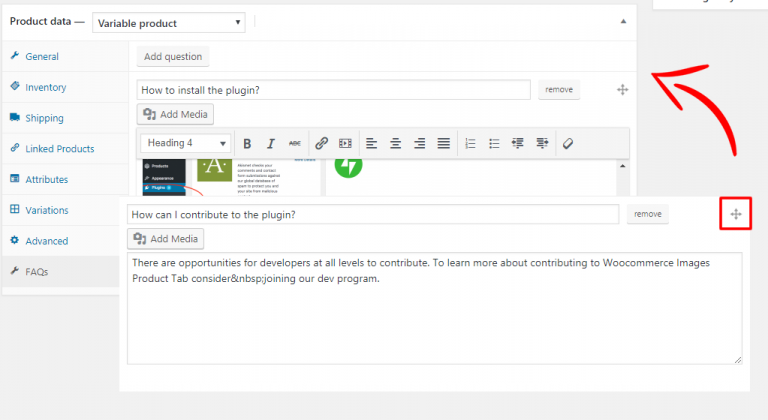
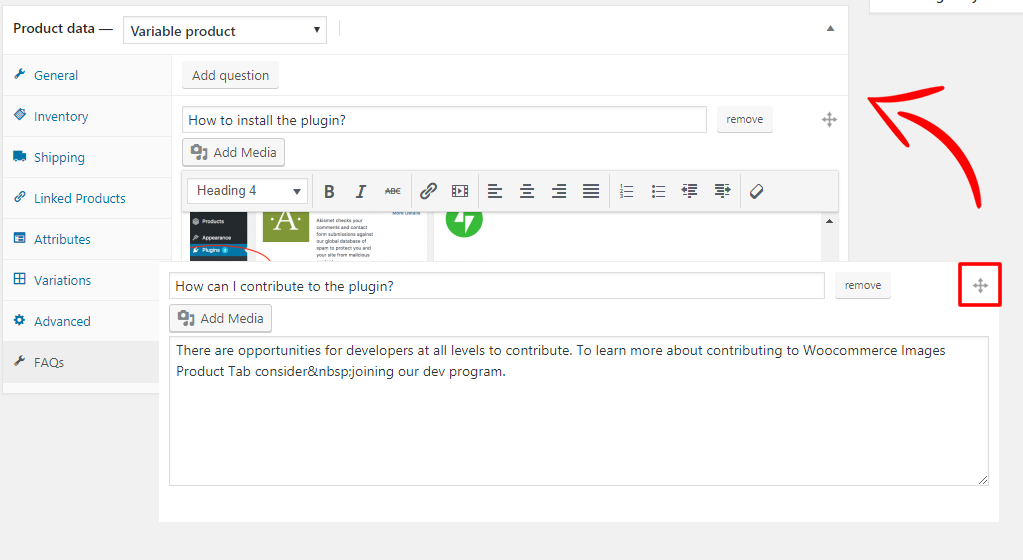
- SORTABLE QUESTIONS – Rearrange the questions order using the drag and drop feature from the backend.
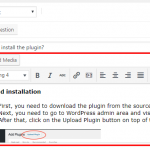
 This will bring you to the plugin upload page. Here you need to click on the choose file button and select the plugin file you downloaded earlier to your computer.
After you have selected the file, you need to click on the install now button.
WordPress will now upload the plugin file from your computer and install it for you.
This will bring you to the plugin upload page. Here you need to click on the choose file button and select the plugin file you downloaded earlier to your computer.
After you have selected the file, you need to click on the install now button.
WordPress will now upload the plugin file from your computer and install it for you.